YouTube research + channel optimization

Your channel.
A smarter
next move.

Find the ideas worth making. Build scripts from evidence. Give the videos you already made a better chance—with changes you can measure.

No card needed to create an account. You choose when to connect YouTube.

One connected workspace

Create with a reason.
Improve with a record.

Research, writing, and channel improvement belong in the same conversation.

01 / DISCOVERChannel Pulse + Video Memory

Find your opening.

Explore opportunities for your channel. Study the hooks, pacing, visuals, and evidence behind relevant videos before choosing an angle.

Open Channel Pulse
02 / WRITEVidShook Studio

Make the idea count.

Turn research into a long-form script. Keep the brief, source references, revisions, and project history together as the story develops.

Open Studio
03 / IMPROVEGuardian + experiments

Keep learning after upload.

Review title and thumbnail experiments on your published videos. Compare performance with the original, and track what was kept or restored.

Review Guardian
STUDIO AVAILABILITY

Research and writing are available now. Storyboarding, video generation, editing, and publishing stages are planned; Studio does not yet render a finished film.

Guardian / control + evidence

A better result needs
a traceable change.

Automation should leave you with a clear record of what changed, why it changed, and what happened next.

  • Choose your level of control.

    Start with a preview. Review your channel’s approval settings before enabling automatic changes.

  • Give the evidence time.

    Standard experiments default to a 14-day window. Launch and revival modes use shorter windows; low traffic can require more time.

  • Keep the original within reach.

    Review recorded outcomes and restoration attempts. A baseline comparison is useful evidence, but it cannot guarantee that one change caused a lift.

Open your results

Bring your workflow with you.

Use the Claude MCP connector for supported channel operations, or the optional Chrome extension to collect research. Review access and pairing instructions in your account.

Open integrations

Simple monthly plans

Start with your channel.
Scale with your work.

Create an account without a card. Review subscription details and trial terms in checkout before you pay.

For one channel

Solo

$9 / month

Billed monthly in USD

  • 1 connected channel
  • 5 optimization runs / month
  • 5 fast + 0 premium thumbnails / month
  • Thumbnail previews; no thumbnail publishing
Choose Solo

For multiple channels

Agency

$79 / month

Billed monthly in USD

  • 10 connected channels
  • 50 optimization runs / month
  • 50 fast + 20 premium thumbnails / month
  • Thumbnail publishing enabled
Choose Agency

For larger operations

Enterprise

$199 / month

Billed monthly in USD

  • 9,999 connected channels
  • 200 optimization runs / month
  • 200 fast + 200 premium thumbnails / month
  • Thumbnail publishing enabled
Choose Enterprise

USD, billed monthly. Taxes may apply. AI thumbnail allowances are separate from optimization runs. Studio provider availability and generation costs are separate from these channel optimization allowances. Checkout confirms your total before payment.

Before you start

Good questions.

Need a hand?
hello@vidshook.com

What can I do in VidShook today?

Research opportunities with Channel Pulse, study source videos with Video Memory, and develop scripts in Studio. Guardian supports experiments on existing videos. Later Studio production stages are marked as planned.

Will connecting YouTube change my videos?

Connecting grants the access shown on Google’s consent screen. Before starting optimization, review the channel’s approval and automation settings. Use a dry run to preview proposed changes.

Are results guaranteed in 72 hours?

No. Experiment timing depends on the mode and available traffic. Standard verification defaults to 14 days; launch and revival use shorter windows. Low-traffic videos may need an extended window or an inconclusive outcome. Views and revenue are not guaranteed.

Does every channel run at 3 AM?

Your account’s enabled schedule, selected days, and timezone control scheduled optimization runs. Background Guardian tasks run separately. Check your settings to see when your channel will run.

Can Studio make and publish a complete movie?

Studio currently executes research and writing. Planning, footage generation, finishing, and publishing stages are planned. Do not purchase a subscription expecting an automatic finished-film export today.

How do subscriptions and cancellation work?

Paid channel optimization plans are billed monthly through Stripe. Review the price and any trial shown in checkout. Existing subscribers can manage payment details and cancellation from their account’s Billing screen. Read the terms.

Do I need the Chrome extension?

No. The web workspace works without it. The optional research extension is distributed as a ZIP for manual installation. Download the extension ZIP and review the included README and permissions before installing.

The Playbook: explore VidShook’s creative films

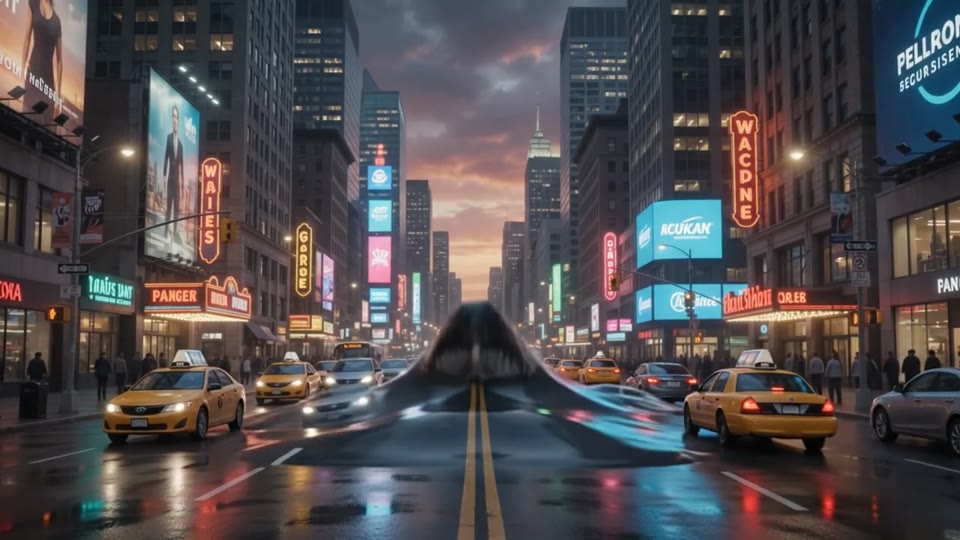
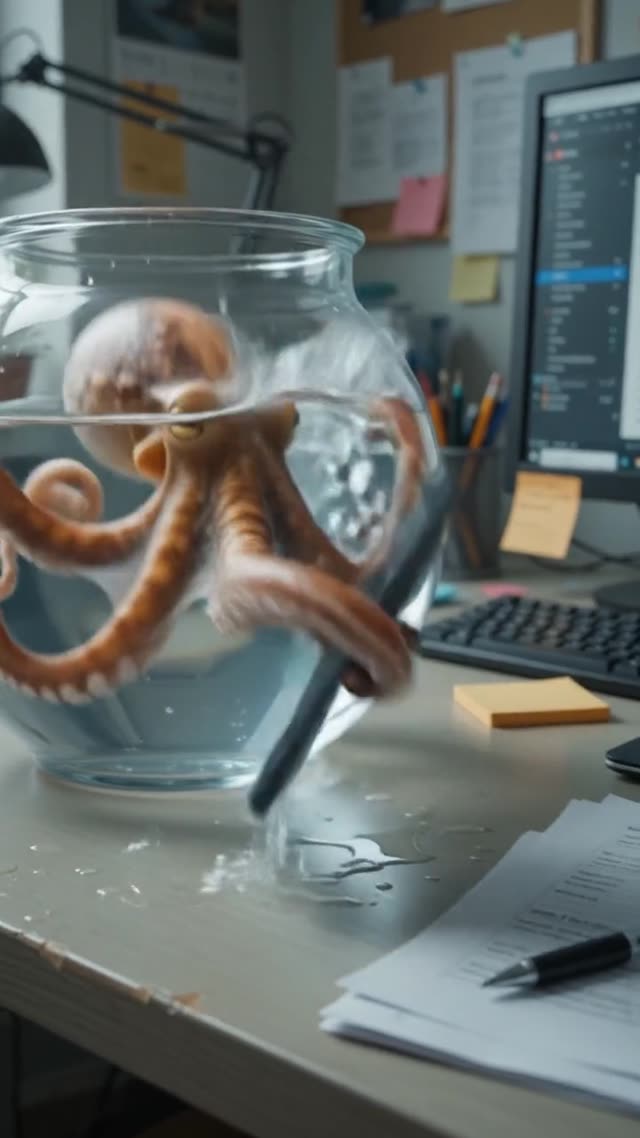
Creative references from the original showcase. These films illustrate visual ideas; they are not evidence of customer results or finished Studio exports. Each opens as a video.

Make your next move
an informed one.

Your research. Your story. Your channel.

Create your workspace